
Symptoms
Are you experiencing suspicious pop-ups, phantom key/mouse movements, or just general worry about your device being exposed or hacked?
Resolution
Walkthrough:
Option 1: Full Scan
If you are not fully aware if it is a select file, you would want to run a scan to see if your device picks any malicious activity up. To start you would want to follow these steps to pull up the full memory of your device:
1. Open File Explorer
2. On the left tab find the option labeled This PC and click on it.
3. Your file explorer will now show any and all hard drives or attached memory devices. Most devices have their internal memory labeled as C:/, yet may differ at times. Under the C:/, you will see your memory percentage. This is a good indicator you are in the right area.
From here you right-click on your C:/ Drive to select scan for/ with (Anti-Virus software).
Note: All Windows-based systems will default to Windows Defender. If unsure, ask your IT team what Antivirus is currently in use. Depending on the service used you may be able to toggle between the type of scan quality, check with your IT team to find out about useable features.
A scan will begin and go through your whole computer to check for any unwanted files/ activity.
Depending on your file amount, the time varies on the scan. Once completed the Anti-Virus will check back in with you with anything it finds.
Option 2: Individual Scan
If you are curious about a single file or document you recently just received, and do not want to go through a full scan, you would be able to scan them in the same manner.
1. Make sure to locate the item you would like to scan.
2. Right-click on the item.
3. A menu will appear. For Windows 10 you can select scan for/ with (Anti-Virus software). Windows 11 selects more options than scan for/ with (Anti-Virus software).
Tutorial:
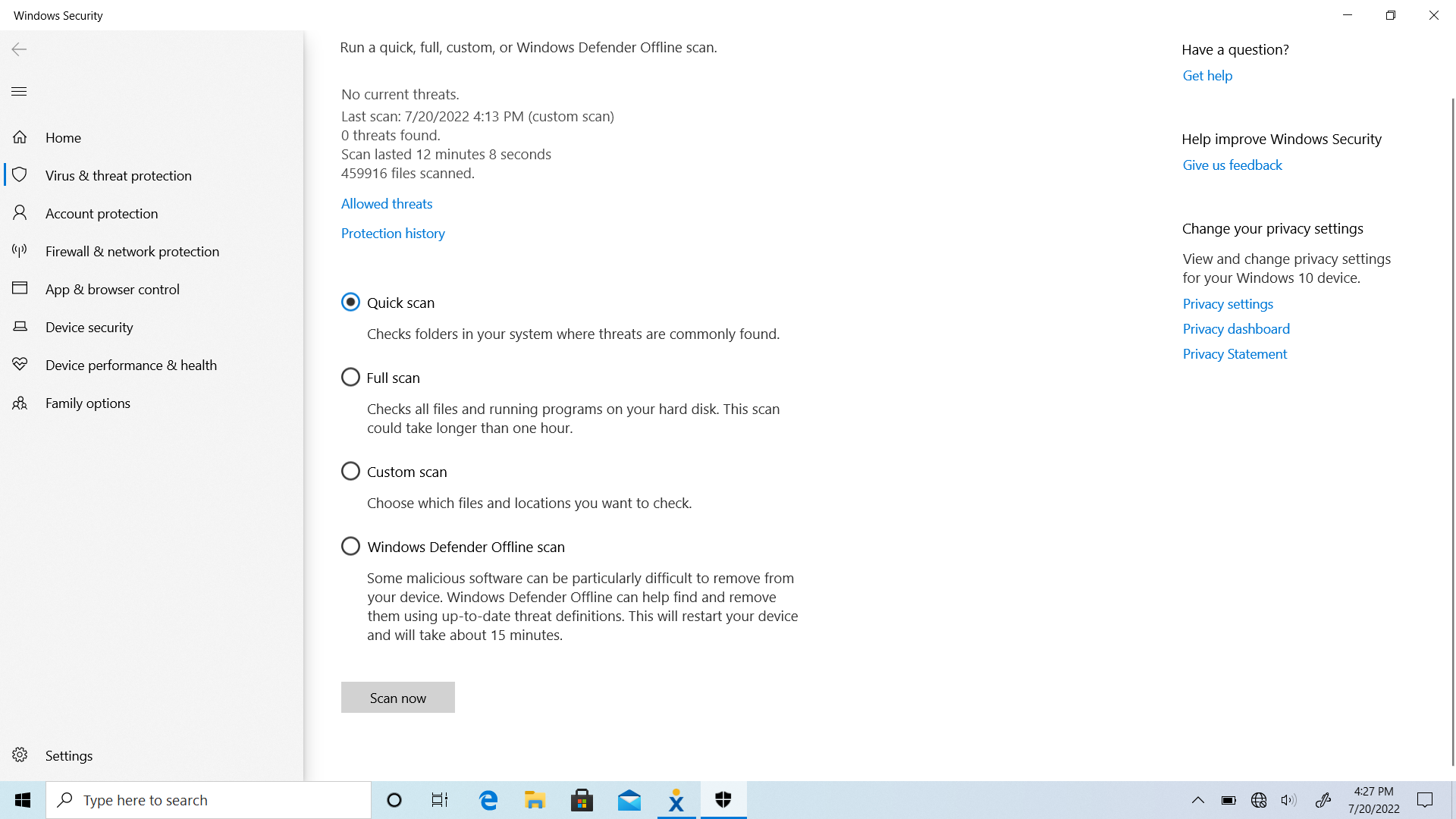
A fine scan from Windows Defender will look like the following, yet based on your IT Departments Anti-Virus Software the end result may differ.
Cause
- opening untrusted websites
- not validating website links
- interacting with unsecured websites
- opening files downloaded from the internet
- causes are infinite
Comments
0 comments
Article is closed for comments.